CISS IT Training

IoT Dashboard Development Guide for Real-Time Monitoring

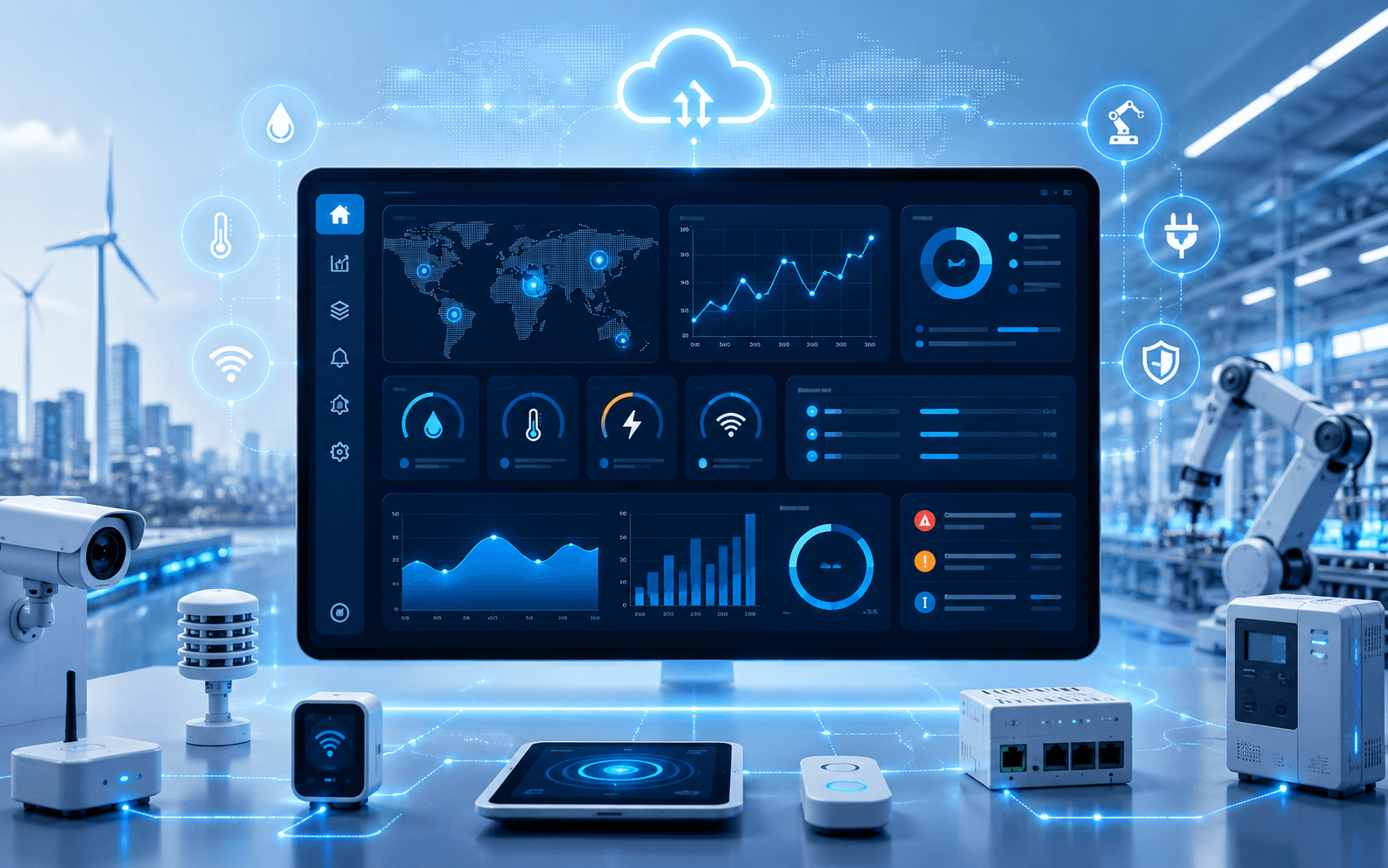
IoT dashboards help businesses monitor devices, sensors, activity, alerts and reports in real time from one clean interface.

Cyber Impulse Team28 May 20267 min read
IoT Dashboard Development Guide for Real-Time Monitoring cover image

A simple guide to IoT dashboards, connected devices, real-time monitoring, alert systems, analytics screens and cloud-ready data visibility.

01

Plan what needs monitoring

Start by defining devices, sensors, data points, alerts, reports, users and admin controls. This gives the dashboard clear purpose.

02

Show real-time data clearly

IoT dashboards should show live status, history, alerts, charts and device health without making the interface confusing.

03

Prepare for cloud and scaling

As device data grows, the dashboard should be ready for cloud storage, APIs, authentication, logs and performance optimization.

Related topics

IoTDashboardMonitoringCloud

Learn the topic practically

Turn technology insights into practical project skills.

Explore courses

Turn technical reading into practical learning.

Use technical articles as supporting resources alongside structured learning, coding practice and project implementation.

How can I apply the ideas from this article?

Identify the main concept, note the practical steps and apply them in a small exercise or existing project. Practical implementation is the best way to test your understanding.

Where should I continue learning after this article?

Follow the related technology or course pages for a more structured learning path, and use project examples to understand how the topic connects with complete applications.

Should I verify technical details before using them in production?

Yes. Technology changes over time, so production decisions should also be checked against current official documentation, project requirements and security considerations.